
Celebrio.app – Your Event Website and QR Gallery.
From a stunning “Save the Date” to late-night dance floor shots.
Your guests are taking photos anyway!
Make sure they actually get to you.




✓ 2 469+ couples joined
—
✓ 962 910+ photos collected
—
✓ average photos per wedding
—
✓ Quick setup
—
Your guests take hundreds of photos… Celebrio makes sure you keep them.
First and foremost, our app is a tool designed for weddings and events that combines everything you need: an event site (Save the Date / Wedding Website), a QR album to collect photos and videos from guests, and interactive extras (Wedding Bingo, Guest Book).
No app required. No login. Zero hassle.
👉 Scan the QR code or click the link – and start adding photos instantly.
What you get with Celebrio.app
Three key elements that create a complete experience for your event – from the first invitation to the very last guest photo.

QR Gallery – Photos and videos from guests in one place
- Guests add photos and videos in real-time without installing any app.
- Everything flows into one organized gallery.
- No more Messenger or WhatsApp chaos.
- Plus, it works instantly after scanning the code.
👉 The fastest and easiest way to collect wedding photos.

Event Page
(Save the Date)
- Your own wedding website in minutes.
- All guest information in one place.
- RSVP, schedule, location, and accommodations.
- An elegant way to invite and communicate.
👉 Your event starts with a great first impression.

Wish Book and Photo Bingo – Extras that set the mood
- Photo Bingo / Wedding Bingo: Gamification th Wish Book and Photo Bingo at keeps people engaged.
- Interactive Guest Book: Words, emotions, and memories that stay with you.
- Interaction and engagement: Turn passive observers into active participants.
👉 Because a wedding isn’t just an event – it’s an experience.
All 3 features are available to your guests under the same QR code.
No switching, no logging in, no chaos.
 Dance floor madness! We collected hundreds of photos like these from guests—instantly, all in one place.
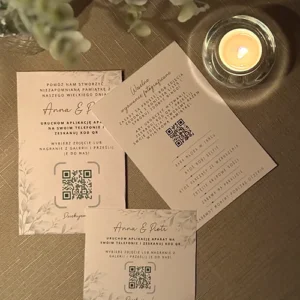 QR code place cards
 A quick breather before…
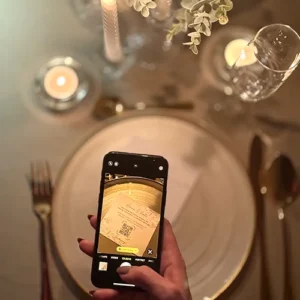 Guests scan the QR code—a lifelong memory lands in the gallery in an instant.
 The bouquet toss caught at the perfect moment. The best spontaneous wedding highlights on Celebrio.
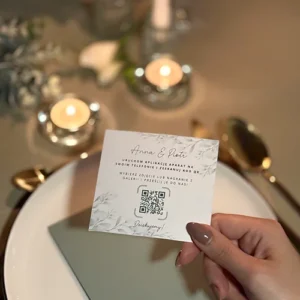 A QR code place card at Joanna and Marcin’s wedding
 Joy and toasts captured by your loved ones. With Celebrio, you won’t miss a single smile.
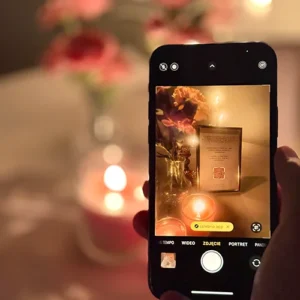 Scanning the QR code
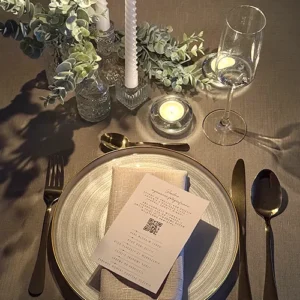 Kasia and Dawid’s: an elegant table with a discreet QR code
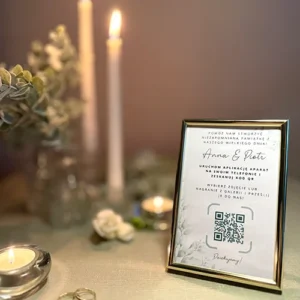 A decorative QR code frame
 The first dance with everyone watching. Family and friends, all in the frame.
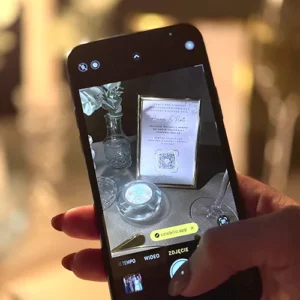 Guests scanning the QR code at Ania and Marek’s wedding.
 Full-on fun! Over 600 photos collected from the party.
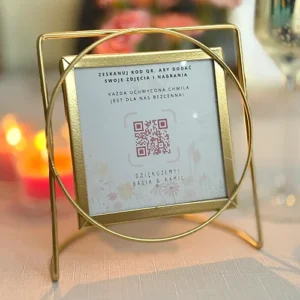 QR code frame
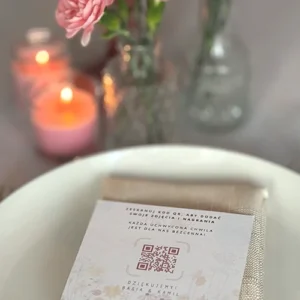 Basia and Kamil – a commemorative QR gallery on an elegantly set table.
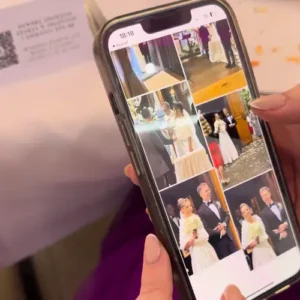 Anna and Piotr collected over 870 photos from 150 guests. That’s how it’s done!
 A selfie with the newlyweds—and hundreds of other spontaneous shots that will stay with you forever.
 Dance floor madness! We collected hundreds of photos like these from guests—instantly, all in one place.
How it works
Everything is simpler than you think with Celebrio. You don’t need any technical skills or apps; the entire setup takes just a few minutes…
👉 It just works — exactly the way it should.

Create your event
Choose a template, enter the date and location, and add your schedule. You can instantly enable the QR gallery, guest book, and wedding bingo.

Share the QR code
Print the QR code on your invitations, place it on wedding tables, or send guests a link via text. Guests join with a single scan — no login required.

Guests add photos!
Guests upload photos and videos live. They play wedding bingo. They leave wishes. And you have it all — in one place, forever.
Why do couples choose Celebrio.app?
- ⚡ No app to install – works in the browser on any phone.
- 🚀 Extremely simple – guests figure it out in 3 seconds.
- 🔒 Safe and reliable – your photos are in good hands
- 📱 Every device supported – iPhone, Android, laptop – it just works
- 🧠 Intuitive – no need to explain “where to click” to your guests.
- 📦 All-in-one – no more using 10 different tools for one wedding.
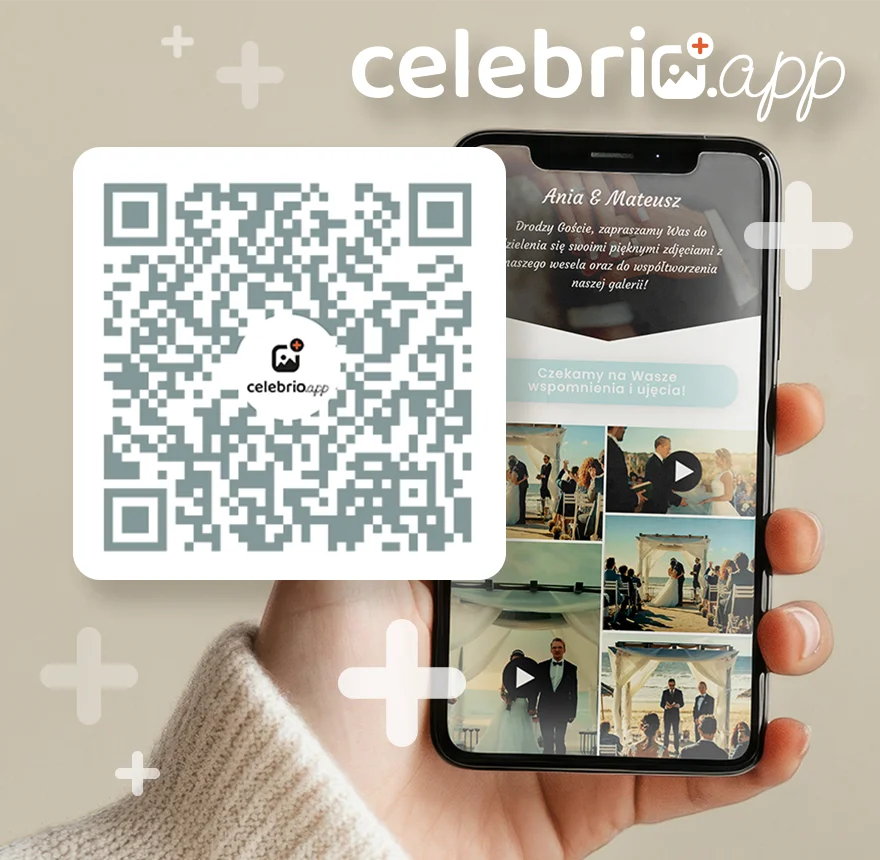
Whatever the occasion — Celebrio.app is here for you
Organizing a wedding, a party, or an event and want to avoid chaos, a million messages, and lost photos?
👉 This solution is made for you.
💒 Weddings
Collect every guest photo in one album. A wedding site with a schedule, RSVP, and map.
🎂 Birthdays & Parties
A shared album for party photos — guests scan the QR code and add shots without installing a thing.
🎉 Other Occasions
Baptisms, anniversaries, Quinceañeras — every event deserves a complete memory album.
🏢 Corporate Events
Conferences, team-building, galas — engage participants and collect all media in one place.
Your memories, through their eyes.
See why couples love Celebrio
Hundreds of successful weddings, thousands of photos collected, and zero chaos. Don’t take our word for it – hear from those who captured their big day with our virtual QR gallery.
We had 120 guests and collected over 600 photos. We just put QR code cards on the tables, and guests added photos all night. By morning, our album was ready!
Emily & Michael
The best part about Celebrio is that it works in the browser. Nobody had to install anything. Scan the code, and you’re in. Photos appeared instantly in the gallery; the guests loved it!
Sarah & David
Thanks to Celebrio, we saw our wedding, especially the first dance, from a completely different perspective! We were busy and stressed, but in the morning, dozens of videos and shots from every corner of the room were waiting on our phones.
Jessica & Chris
Ready for the most beautiful memories of your day?
Take care of your guests’ photos and create a space they’ll keep coming back to long after the party.

Frequently Asked Questions (FAQ)
No! Celebrio works in the browser — just scan the QR code or click the link. There’s nothing to download, no account to create, and no login required. It works on every phone (iPhone, Android) and computer.
It depends on your package:
Standard — up to 20 GB of total storage for photos and videos (roughly 10,000 photos or 200 short clips).
Plus — up to 100 GB of total storage (roughly 50,000 photos or 1,000 short clips).
Photos are uploaded in full quality.
It depends on your package:
Standard — 1 year of access for guests and file downloads, with an option to extend.
Plus — 3 years of access for guests and file downloads, with an option to extend.
Yes! Create a free account and test all features without limits. You only purchase a package when you’re ready for your event.
Zdjęcia są widoczne tylko dla osób, które mają link do albumu lub kod QR. Album nie jest publicznie dostępny w internecie. Dodatkowo możesz nadac hasło do galerii.
Celebrio is designed to work for everyone — from teenagers to grandparents. Just scan the code with the phone camera and tap “Add photo.” No typing or accounts needed.
Yes — you can choose colors and backgrounds, and add your own photos and text. You can set up the schedule, a map, accommodation details, and an RSVP form. Everything is editable in a simple builder.
You can print the QR code on:
• Wedding invitations
• Table cards
• Entrance posters.
You can also send the link via SMS, email, or social media. You can download the QR code as a PNG file from your dashboard..